
Background removal
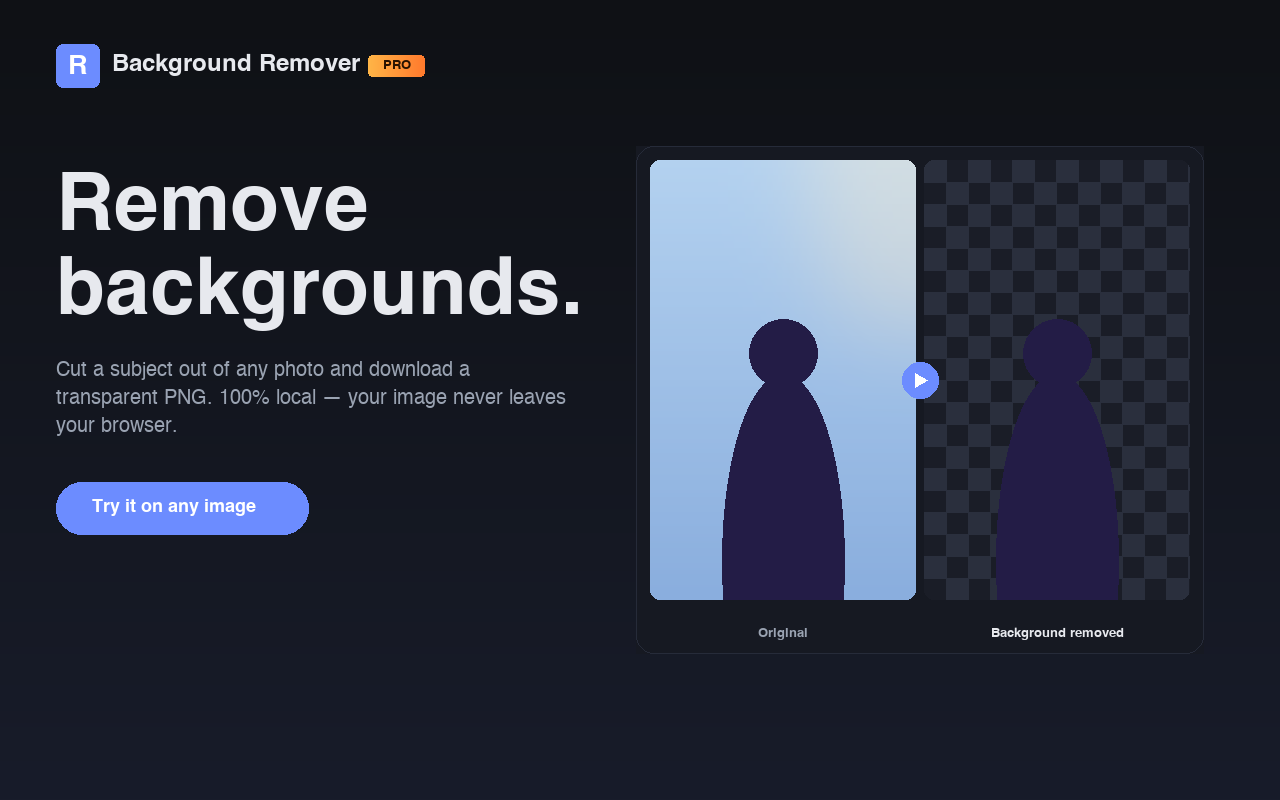
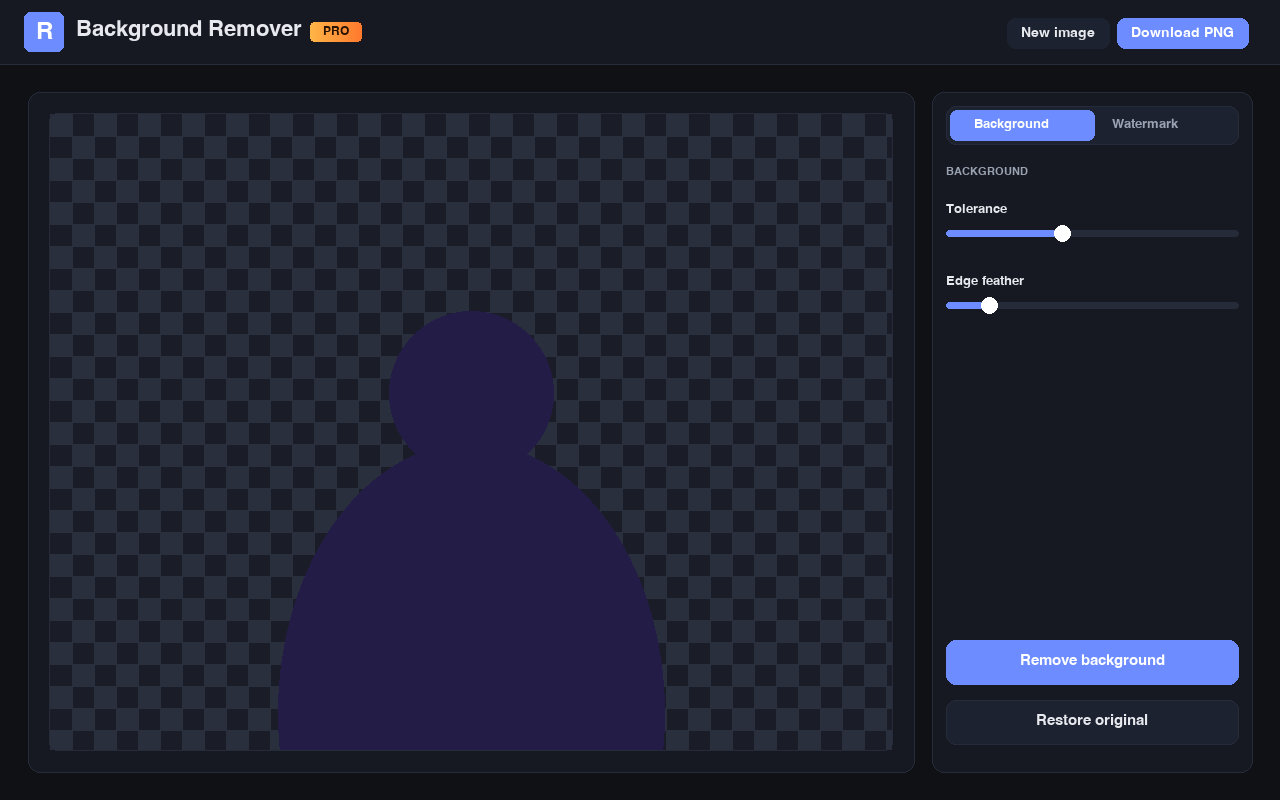
Cut subjects out of any photo and download a transparent PNG. Adjustable tolerance and edge feathering keep cutouts clean and natural.
Free Chrome Extension
Background Remover Pro cuts subjects out of any photo and erases watermarks with a few clicks. No uploads, no accounts, no quotas — everything runs locally in Chrome.
What it does
Built for the moments when you need a clean cutout fast — product photos, profile pictures, design mockups, social posts, presentations.
Cut subjects out of any photo and download a transparent PNG. Adjustable tolerance and edge feathering keep cutouts clean and natural.
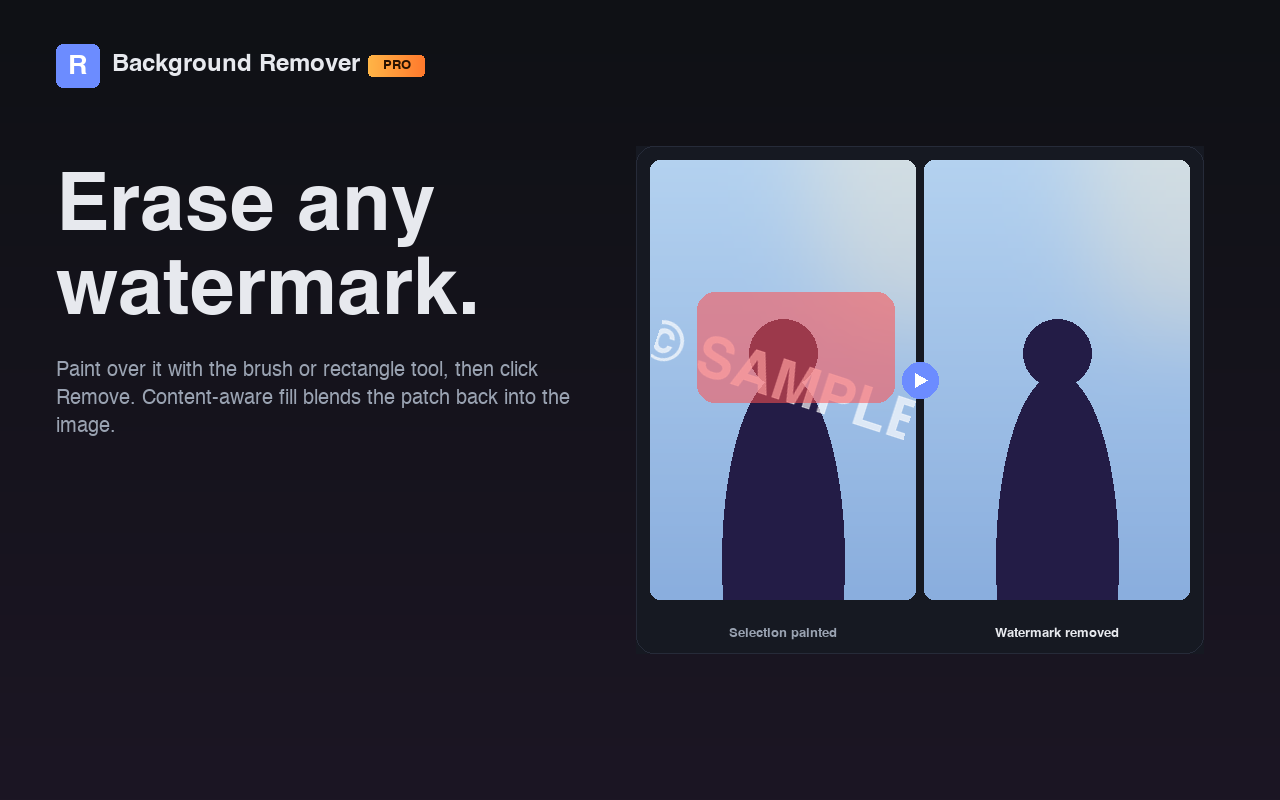
Paint over any watermark, logo, signature, or timestamp with the brush or rectangle tool. Content-aware fill blends the patch back in.
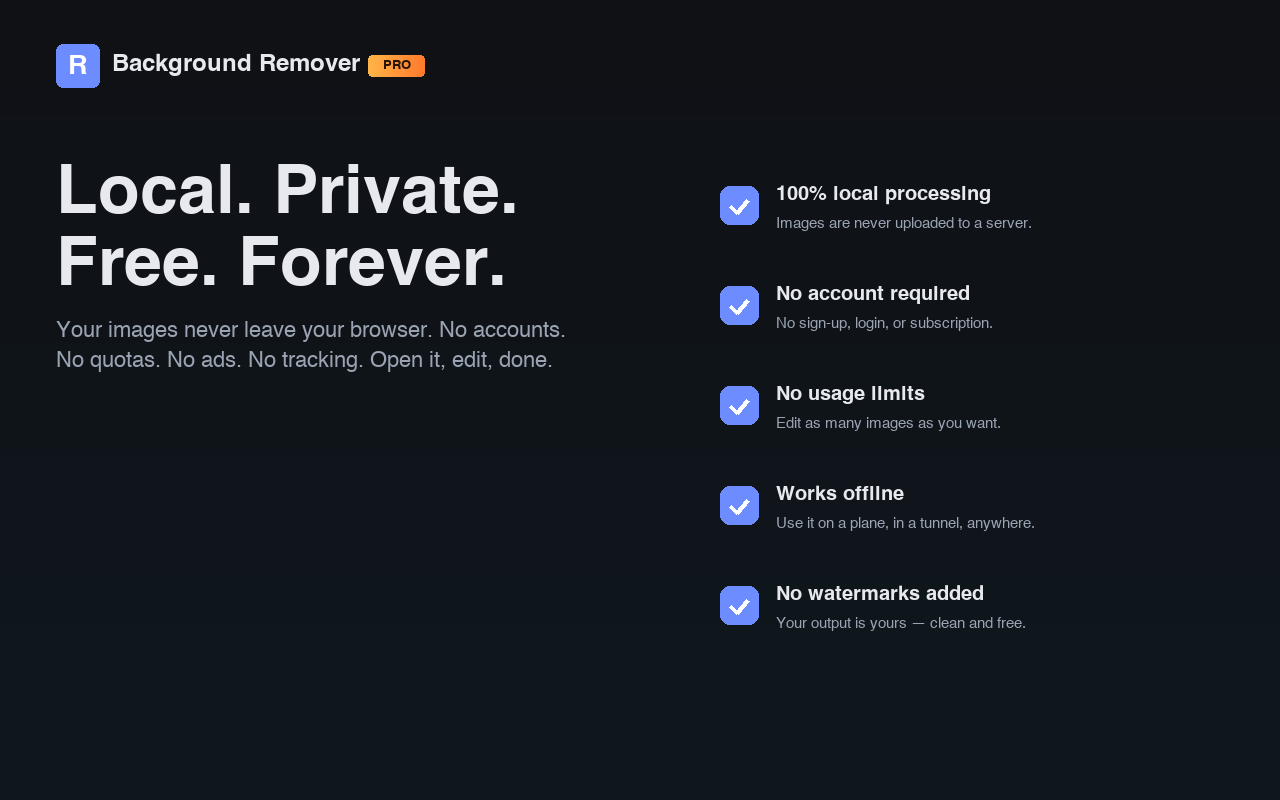
Your images never leave your browser. No server uploads, no analytics, no third-party services, no tracking. Ever.
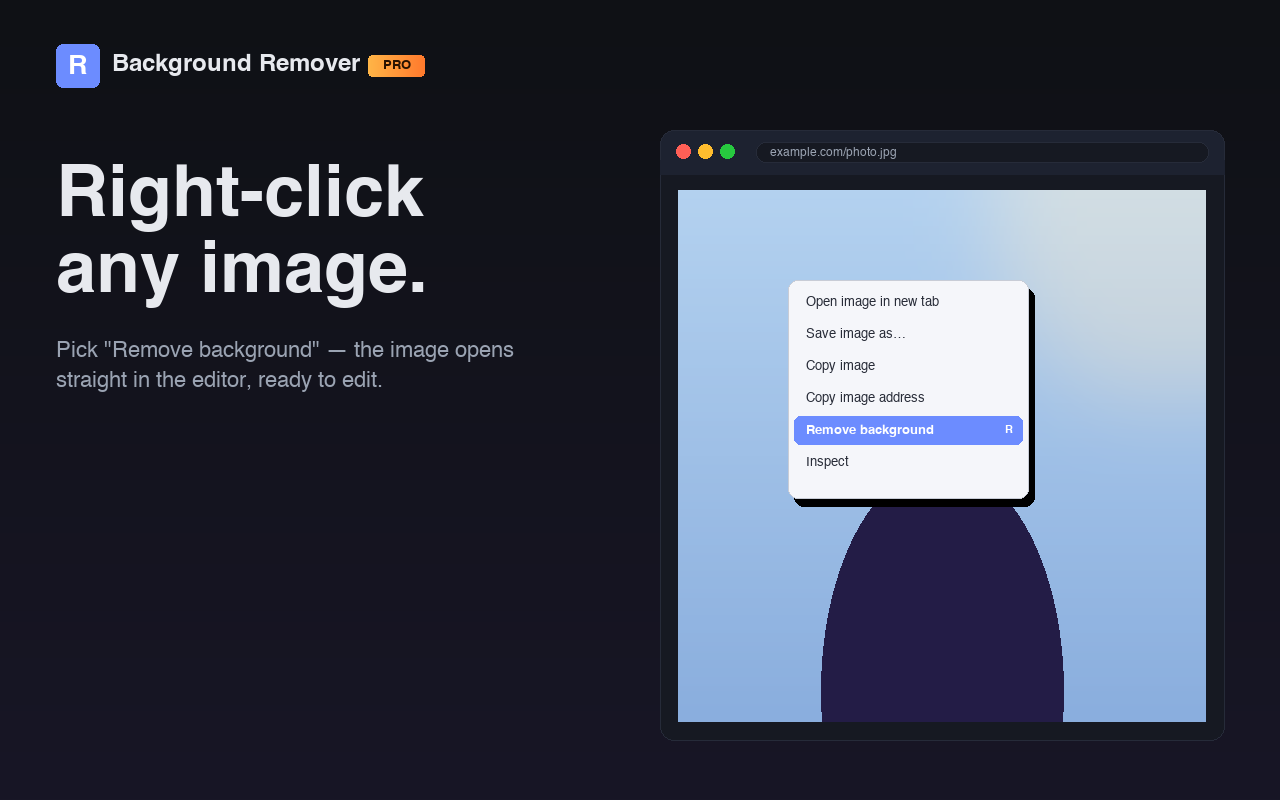
Drag a file in, paste from your clipboard, choose a file, or paste any image URL. Right-click any image on the web for one-click access.
Download with full alpha transparency, ready to drop into Figma, Photoshop, Canva, Keynote, or anywhere else.
No sign-up, login, subscription, or trial. No credit card. Use it as much as you want, on as many images as you want.
How it works
The editor opens in a new tab. No setup, no permissions request beyond what Chrome installs.
Drag and drop, paste from your clipboard, choose a file, paste a URL — or right-click any image on the web and choose Remove background.
Tweak the tolerance and feather sliders, click Remove background, and save the result as a transparent PNG. Same flow for watermarks.
Screenshots
Frequently asked
No. All processing happens locally in your browser. Your images never leave your computer. The only outbound network request is when you explicitly load an image by URL, in which case the image is fetched directly to your browser.
No. Background Remover Pro is completely free, with no account, login, subscription, or credit card. There are no usage quotas, no premium tier, and no ads.
Yes. Once installed, the extension works fully offline. The only feature that needs internet access is the Load URL input, which fetches an image you specifically point it at.
Any format your browser can decode — JPG, PNG, WebP, GIF, BMP. Output is always PNG so transparency is preserved.
The background remover is color-based, so it works best on photos with clean, uniform backgrounds. For cluttered scenes, try increasing the tolerance, adding edge feathering, or cropping closer to the subject.
Yes — but the cleanest results come from watermarks placed over relatively smooth or low-texture areas. Watermarks across very detailed scenery may leave a faint smudge in the patched region.